Free, private tools for PDFs, images, resumes and interview prep
Each tool says where your data goes
File tools process your files on your device. AI-powered tools send the text or images that feature needs to an AI provider, and each tool says so.
One suite of free tools for files, work and learning.
Edit PDFs and images, build a resume, fill forms, turn AI answers into handwritten notes, estimate your tax. More tools are on the way, and each tool says where your data goes.
- Edit PDF
- Merge
- Sign
- Redact
- Fill forms
- Handwritten notes
- Each tool says where your data goes
- No install
- File tools work on your device
- Start without an account
- Free
Why use browser-based file tools?
Most online PDF editors send your file to their servers before you can change a single word. For a contract, a payslip, or a scanned ID, that means a private document leaves your control — sitting on someone else's hardware, subject to their logging and retention. EditMyStuff takes a different approach: the entire editor runs in your browser, so your file is opened, edited, and saved without ever touching the network. Same power, none of the exposure. Try it with the online PDF editor.
It also removes the friction that "free" usually hides. There's no account to create, no email to confirm, and no upsell waiting at the export button. Because your files are processed in your browser, not on a server, there are no daily limits and no watermarks subsidising someone's hosting bill — you can edit one page or fifty, today and tomorrow, at no cost. The browser you already have is the only thing doing the work.
Typical online PDF editors
- ✕Your file is uploaded to their servers to be processed
- ✕Sign-up or email required before you can edit
- ✕Free exports stamped with a watermark
- ✕Strict page or daily limits on the free tier
- ✕Your documents used to train models or sold to advertisers
EditMyStuff's file tools
- File tools process your files on your device — no upload to a server
- No account, no email, no sign-up — just open it and start
- Clean exports with no watermarks, ever
- Unlimited edits and pages in the PDF tools — no daily caps, no paywall
- Works on desktop and mobile, in any modern browser
- Keeps editing if your connection drops, once the page and the features you use have loaded
The trade-off people assume they have to make — convenience in exchange for privacy — simply doesn't exist here. You get a fast, capable editor and a guarantee that your documents stay yours, because they never leave the device they're already on.
What you can do here
Not a viewer with sticky notes — a real editor that treats your document as something you can change. Rewrite the text that's already there, lay new elements on top, and reorganise the pages, then export a finished file. Everything below is in the online PDF editor and runs entirely in your browser, with no upload and no sign-up, and works the same on a laptop or a phone.
Edit PDF text
Click any line and type over it. EditMyStuff auto-detects the original font and matches it with metric-true faces, so widths and spacing stay exact. Change the family, size, weight, color and alignment from one clean panel.
Edit PDF textAdd signatures
Draw with your finger or trackpad, type your name in a handwriting font, or upload an image of your signature. It drops onto the page as transparent artwork — no white box — ready to drag, scale and place on the line.
Sign a PDFShapes, highlights, pen & images
Annotate freely: add rectangles and lines, highlight key passages, draw with the pen for quick marks, and drop in images or logos. Every object is movable, resizable and editable right up until you export, so you can refine the layout as you go.
Open the editorReorder, rotate & delete pages
Manage the whole document, not just the text. Drag pages into a new order, rotate ones that came in sideways, and delete the pages you do not need — all in the same private workspace.
Manage pagesDownload without watermarks
Export a clean PDF with your edits flattened in and fonts embedded, so it opens identically in any reader on any device. What you see is exactly what you save — no watermark, no stamp, no “upgrade to remove” nag. Unlimited exports, completely free.
Try it freeTurn images into PDFs
Have a stack of JPGs, PNGs or WebP scans? Combine them into a single PDF in seconds with the Image-to-PDF tool — also fully client-side, also free.
Image to PDFWhat people use it for
Made for the way
India works
Students, job seekers, creators and small businesses use EditMyStuff every day, right in the browser.










Most PDF edits aren't elaborate — they're small, practical, and often personal. These are the everyday jobs people reach for EditMyStuff to do, each one quicker and more private when it happens right in your browser instead of on a stranger's server.
Contract & NDA review
Initial a clause, add a date, or redact a name before you send it back — without uploading a confidential agreement to a third party.
Resume & cover letter
Tweak a job title, correct a typo, or restyle a heading on the PDF you already have, then export a clean copy in seconds.
Form filling & signing
Type answers into a flat form that has no fillable fields, drop in your signature, and download — no printer, no scanner.
Document annotation
Highlight passages, add notes and shapes, and mark up a PDF for feedback while it stays entirely on your machine.
Invoice & receipt markup
Add a reference number, stamp “paid” on an invoice, or redact account details for good — your PDF stays on your device.
Student notes
Annotate lecture slides and readings, combine scans into one PDF, and keep everything free and local — no subscription required.
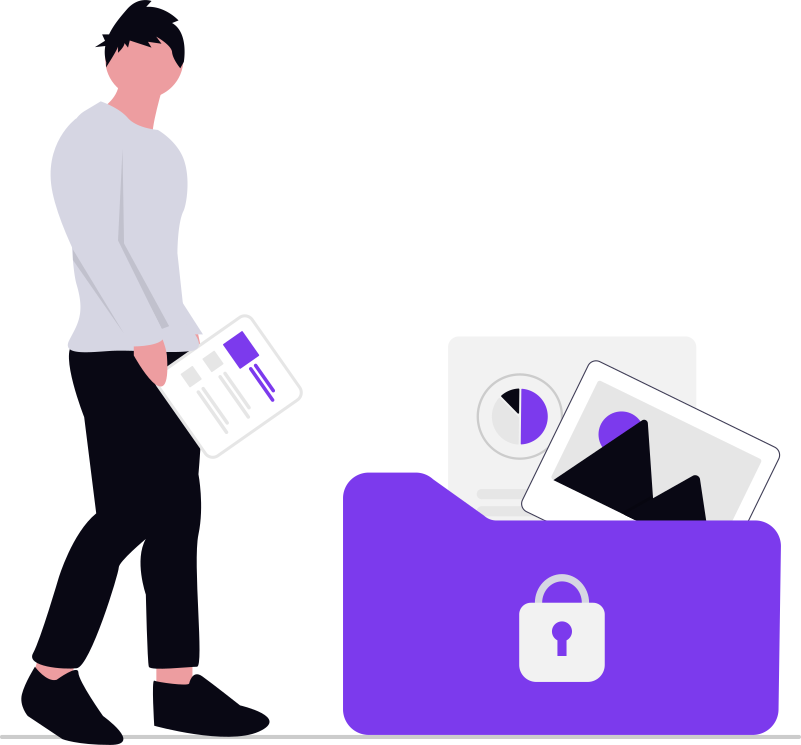
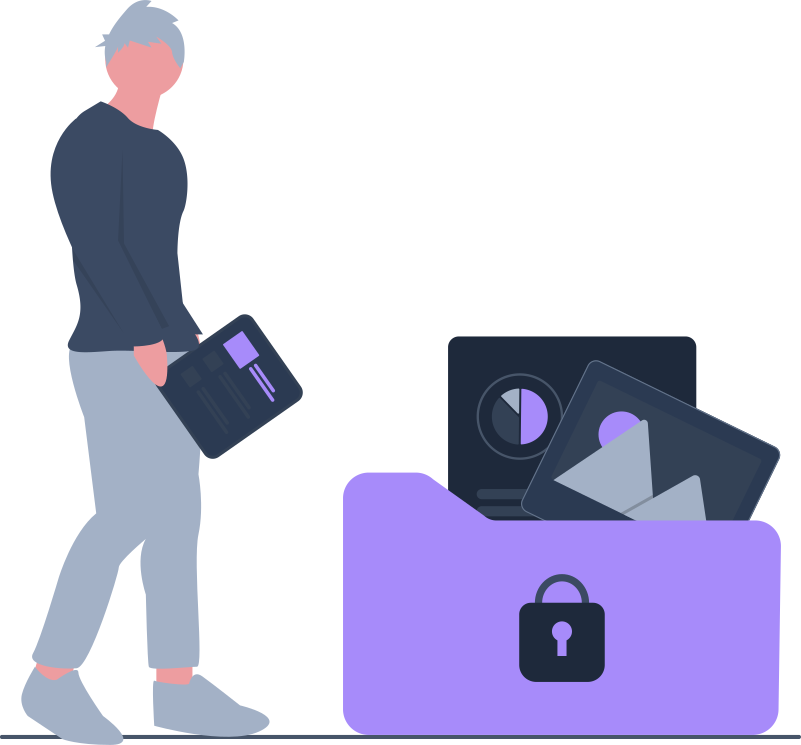
Your PDF never touches a server.
In the PDF editor, your PDF is opened, edited and exported entirely in your browser. It never touches the network, never gets uploaded, and is never stored. Close the tab and it's gone — there's nothing on a server to delete, because nothing was ever sent. Privacy here isn't a setting you toggle or a policy you have to trust; it's the architecture of the tool itself. (The PDF Form Filler never uploads your file either, but for a flat or scanned form its optional AI field naming sends that page's printed text to an AI provider, and asks first.)
Edited in your tab, not on a server
There is no server to send your PDF to. The whole editor is JavaScript running in your tab.
Nothing is stored
Your document is held in memory only. Close the tab and every trace of it is gone.
No document tracking, no account needed
No sign-up, no email, no document analytics — we never see your PDFs because they never reach us. Google Analytics runs only if you allow it in Cookie settings.
Keep editing without a connection
Once your PDF is open, you can disconnect and keep editing. Export fonts, the signature pad and OCR download the first time you use them.
Latest from the blog
Practical, no-nonsense guides and tutorials for getting more out of your files.
Frequently asked questions
Everything you need to know about privacy, formats and pricing.
EditMyStuff is a privacy-first collection of browser-based tools for students and professionals. File tools run in your browser, so your files are processed on your device; AI-powered features send only the text or images they need to an AI provider, and each tool says so.
Start for free, without an account.
Edit a PDF, build a resume, clean up an image — make your changes and download, all in your browser, all private. Or read the guides first to see how it works.